Google warns that a single misplaced word can cut an ad’s visibility in half. That tiny mistake stops most businesses from getting the clicks they need. Below are five concrete steps to write Google Ads copy that actually converts.
Step 1: Match Your Ad Copy to Search Intent
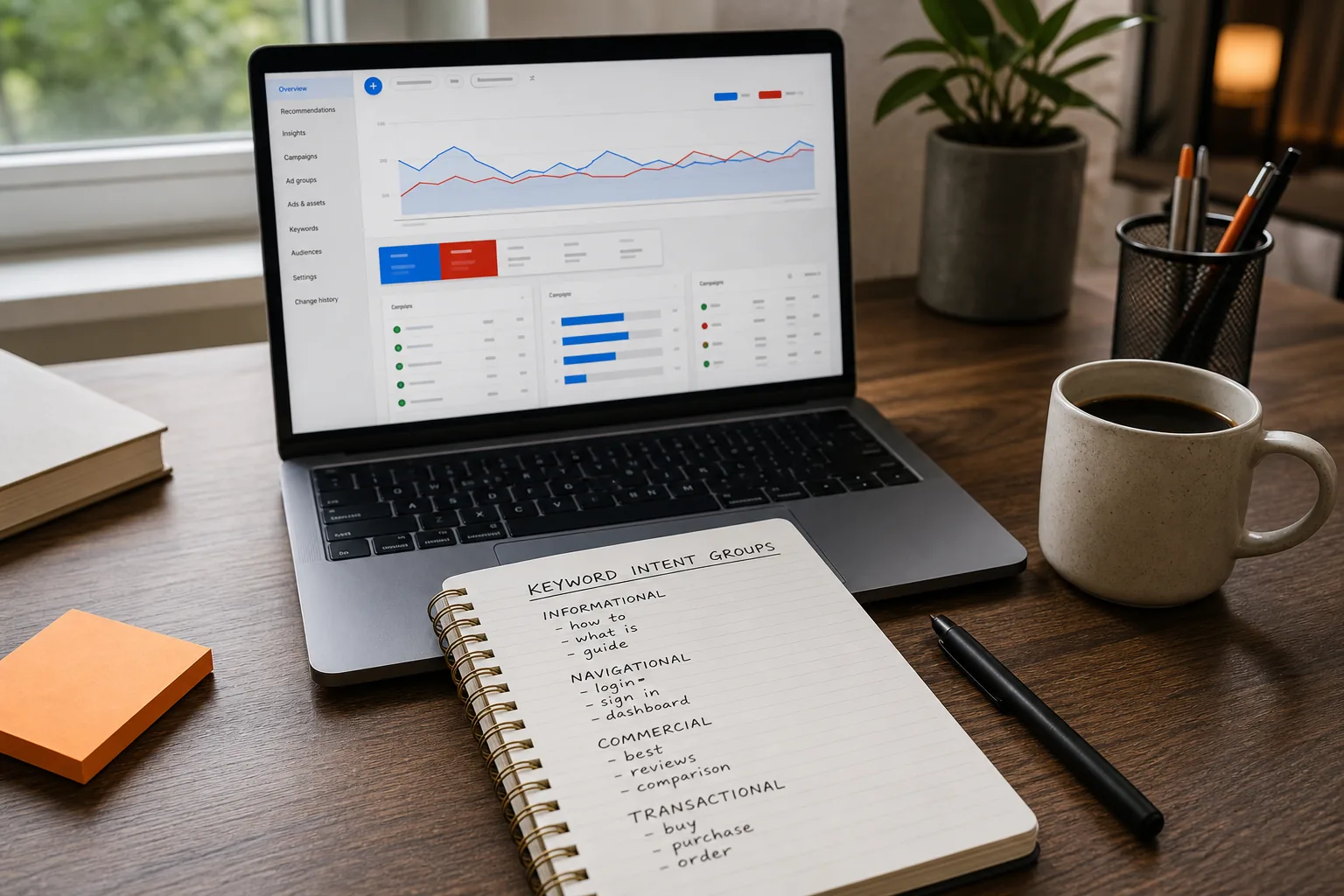
First, pull the three most common intents from the high‑impression queries in each ad group. Write a headline that answers the dominant intent directly. If a query asks “how to fix a leaky faucet,” a headline like “Fix Leaky Faucets in 24 Hours” tells the searcher you have the solution.
When the intent is mixed, split the ad group so each group serves a single purpose. Narrow groups keep headlines tight and landing pages relevant, which can improve ad relevance.
Aligning copy to intent helps keep the ad closely matched to the searcher’s request.
We often see advertisers bundle brand, price, and guarantee into one headline. That makes the copy vague and forces the system to truncate the message. Keep the promise clear and intent‑focused.
Headlines have a 30‑character ceiling. Use those characters to state a specific benefit, not a vague brand statement. “Get 20 % Off Your First Order” tells the user exactly what they’ll gain.
Test a few variations: one that highlights speed, another that focuses on price, and a third that offers a guarantee. Google will mix and match up to 15 headlines, so variety fuels better combinations.
Pinning a headline is useful when legal language or a brand name must appear, but over‑pinning kills the algorithm’s ability to serve the most relevant combo.
Dynamic keyword insertion can sprinkle the exact search term into the headline, but the fallback text must still read naturally. A fallback like “Best Service” looks awkward if the keyword is missing.
Key Takeaway: A headline that names a concrete benefit and stays under 30 characters wins more clicks.
Step 3: Build Descriptions Around Benefits and Proof
Descriptions let you expand on the promise. Use the first line to reinforce the headline’s benefit, then add a proof point, such as a rating, number of satisfied customers, or a guarantee.
Example: “Save $500 on your first roof replacement. Over 2,000 happy homeowners trust us.” The benefit (saving money) pairs with a trust signal (2,000 happy homeowners).
WordStream notes that specific, benefit‑driven calls‑to‑action outperform vague ones. A CTA like “Claim Your Free Quote Today” beats “Learn More.”
Make sure the description mirrors the landing‑page headline. Mismatched language confuses visitors and hurts conversion rates.
Want a step‑by‑step look at crafting high‑performing ad copy? Our guide on How to Fix Disapproved Google Ads (Step‑by‑Step) walks you through the exact wording tweaks that get ads approved fast.
Step 4: Add Specificity, Relevance, and a Strong Call to Action
Specific numbers beat vague claims. “Save more” feels more real than “Save big.” If you can’t guarantee a number, use a range that reflects real data.
Relevance comes from matching the ad’s language to the landing page’s headline and body copy. Pull key phrases from the landing page into the ad description to signal alignment to Google’s relevance algorithm.
End every ad with a clear call to action. “Book a Demo Now” tells the user exactly what to do next. Avoid generic CTAs like “Click Here.”
Ad extensions, sitelinks, callouts, structured snippets, add extra relevance signals. They route users to specific pages and give more room to showcase benefits.
Pro Tip: Use a sitelink that points directly to a pricing page when the headline mentions a discount. This reduces friction and lifts conversion rates.
Step 5: Test, Review, and Improve Your Google Ads Copy
Testing is the only way to know what works. Set up an A/B experiment that swaps one headline or description at a time. Track CTR, conversion rate, and cost‑per‑acquisition together, high clicks mean nothing if they don’t convert.
Performance data shows which assets get the most impressions. Pause low‑performing assets and double down on the winners.
Review the data weekly. If a headline’s CTR rises but the conversion rate falls, the copy is attracting the wrong audience. Tweak the language or add negative keywords to filter out low‑quality clicks.
Our Managed PPC service at Long Weekend runs this whole loop for you, from intent research to continuous testing, so you never miss a chance to improve performance.
FAQ
What is the first thing I should do when writing Google Ads copy?
Start by identifying the exact search intent behind the keywords you’re bidding on. Align your headline and description with that intent to boost ad relevance and expected CTR.
How many headlines should I create for a responsive search ad?
Google allows up to 15 headlines. Aim for the maximum to give the system room to test combinations, but keep each headline under 30 characters and focused on a single benefit.
Do I need to use dynamic keyword insertion?
Dynamic keyword insertion can improve relevance, but only if the fallback text still reads naturally. A poorly crafted fallback can look awkward and hurt click‑through rates.
What kind of call‑to‑action works best?
A specific, benefit‑driven CTA, like “Get Your Free Quote Today”, outperforms generic phrases. It tells the user exactly what to expect after clicking.
No fixed testing schedule is specified here. Use up to 15 headlines and 4 descriptions to support ad‑combination testing, while keeping the copy focused on specific benefits.
Conclusion
Follow these five steps, and you’ll craft Google Ads copy that draws the right clicks and drives conversions. Ready to skip the trial‑and‑error? Partner with Long Weekend for a managed PPC service that handles every detail for you.
Looking for the right digital marketing agency for your business — one that drives measurable ROI? Long Weekend helps service businesses, SaaS, ecommerce brands and more — grow with expert SEO, AI Search, Google Ads (PPC) management, paid social ads, website design, and more.